MemoryBlock2.3.1
Publisher Description
March 21st - #1 in the US App Store!
April 15th - #1 in the UK App Store!
Top 10 game in over 25 countries!
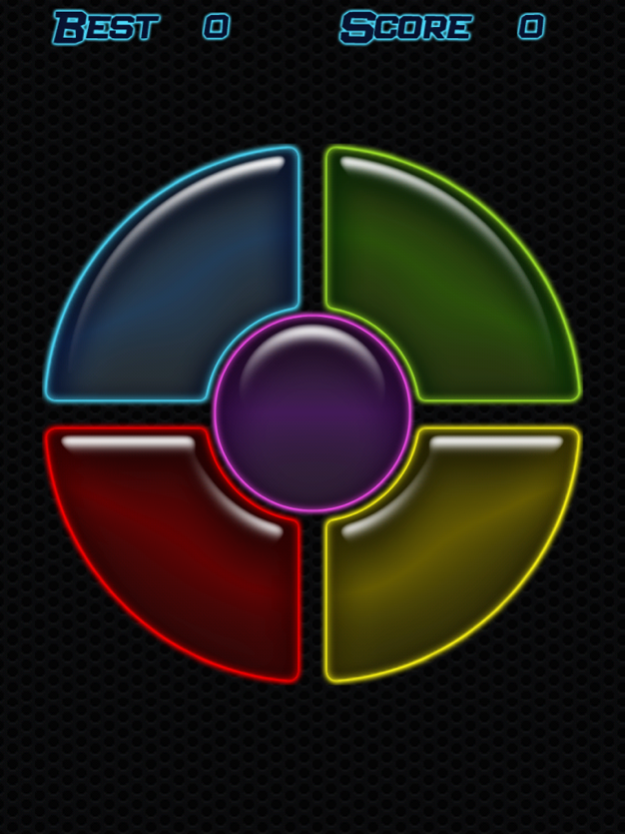
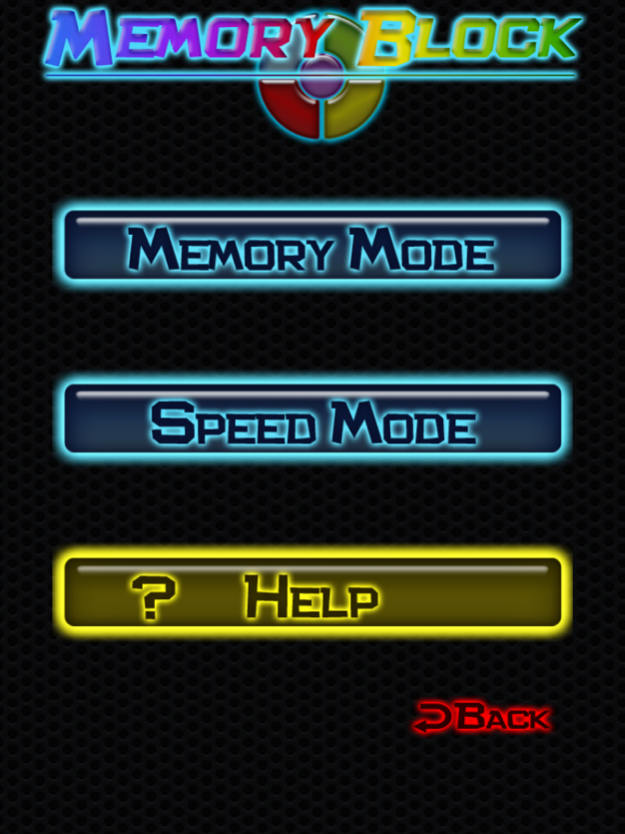
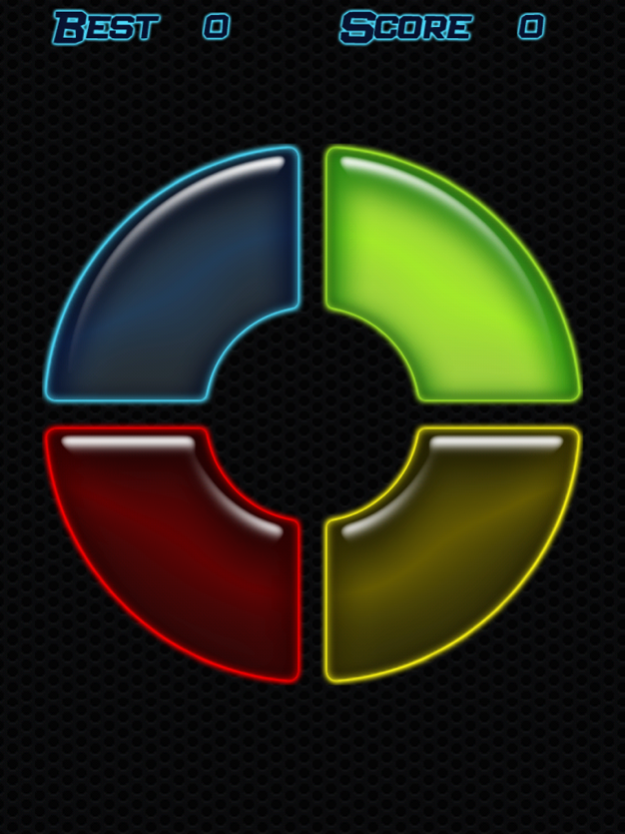
How good is your memory? Find out with MemoryBlock! Watch the computer carefully as it creates sequences for you to mimic. With 5 buttons to keep track of it's harder than it seems! How far can you go?
Perfect for on-the-go gaming!
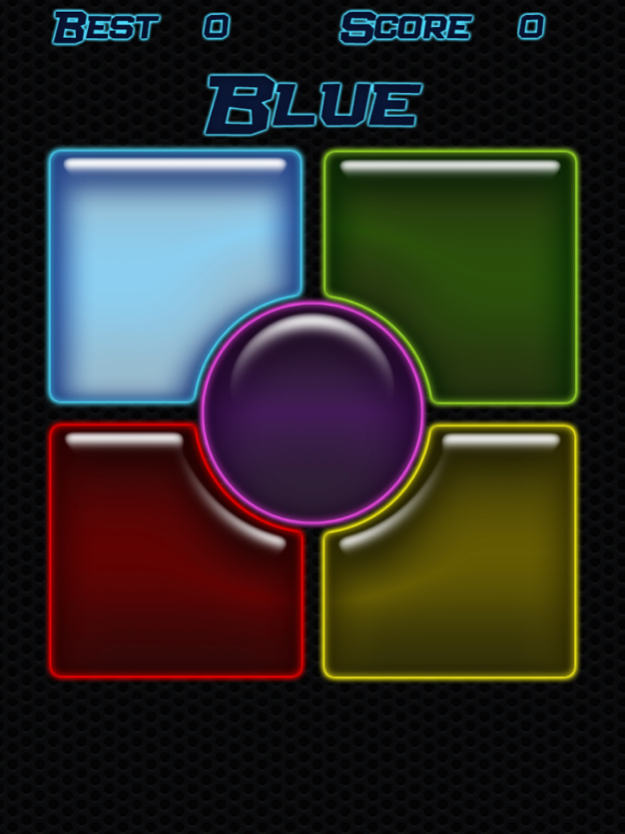
Test and improve your reflexes with the new Speed Mode! Watch and listen as the computer shouts out colors for you to tap. The higher your score, the faster it goes! But be careful, it will try to trick you along the way!
FEATURES:
*Train your brain while you play!
*Four Memory Mode Speed Levels
*Four Sound Options
*Tracks your best scores
*Pick up and play anywhere, anytime!
*NEW Speed Mode
*Test and improve your reflexes!
*Completely FREE!!
May 23, 2013
Version 2.3.1
GameCenter Added!
*New achievements and leaderboards to compete for!
About MemoryBlock
The company that develops MemoryBlock is Category 5 Games. The latest version released by its developer is 2.3.1.
To install MemoryBlock on your iOS device, just click the green Continue To App button above to start the installation process. The app is listed on our website since 2013-05-23 and was downloaded 8 times. We have already checked if the download link is safe, however for your own protection we recommend that you scan the downloaded app with your antivirus. Your antivirus may detect the MemoryBlock as malware if the download link is broken.
How to install MemoryBlock on your iOS device:
- Click on the Continue To App button on our website. This will redirect you to the App Store.
- Once the MemoryBlock is shown in the iTunes listing of your iOS device, you can start its download and installation. Tap on the GET button to the right of the app to start downloading it.
- If you are not logged-in the iOS appstore app, you'll be prompted for your your Apple ID and/or password.
- After MemoryBlock is downloaded, you'll see an INSTALL button to the right. Tap on it to start the actual installation of the iOS app.
- Once installation is finished you can tap on the OPEN button to start it. Its icon will also be added to your device home screen.
Program Details
System requirements
Download information
Pricing
Version History
version 2.3.1
posted on 2013-05-23
May 23, 2013 Version 2.3.1
GameCenter Added!
*New achievements and leaderboards to compete for!
version 2.3.1
posted on 2013-05-23
23 May 2013 Version 2.3.1
GameCenter Added!
*New achievements and leaderboards to compete for!
version 2.3.1
posted on 2010-01-23
version 2.3.1
posted on 1970-01-01
2013年5月23日 Version 2.3.1
GameCenter Added!
*New achievements and leaderboards to compete for!
version 2.3.1
posted on 1970-01-01
23 mei 2013 Version 2.3.1
GameCenter Added!
*New achievements and leaderboards to compete for!
